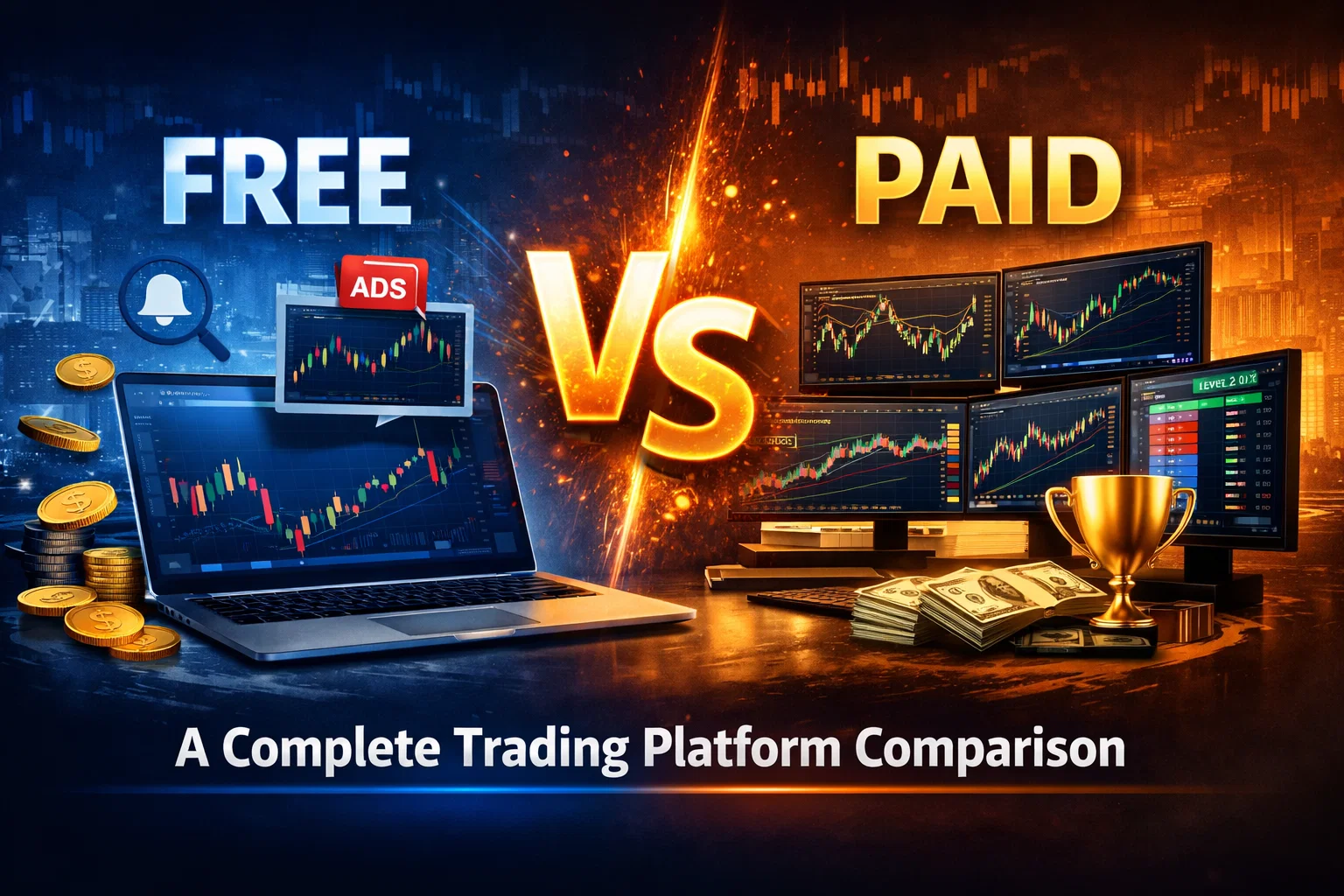
# Free vs Paid Charting Software: A Complete Trading Platform Comparison
Choosing the right charting software is one of the most critical decisions every trader faces. With countless options ranging from completely free platforms to premium subscriptions costing hundreds of dollars monthly, the question of free vs paid charting software becomes increasingly important as your trading journey evolves.
The charting platform you choose directly impacts your ability to analyze markets, identify trading opportunities, and execute trades effectively. While free options might seem appealing initially, understanding when and why to upgrade to paid alternatives can significantly enhance your trading performance and overall experience.
Table of Contents
- [Understanding Free Charting Software Options](#understanding-free-charting-software-options)
- [Premium Charting Software Features and Benefits](#premium-charting-software-features-and-benefits)
- [Key Differences Between Free and Paid Platforms](#key-differences-between-free-and-paid-platforms)
- [Making the Right Choice for Your Trading Style](#making-the-right-choice-for-your-trading-style)
- [When to Consider Upgrading Your Platform](#when-to-consider-upgrading-your-platform)
- [Conclusion](#conclusion)
Understanding Free Charting Software Options
Free charting software has evolved tremendously, offering sophisticated tools that were once exclusive to professional traders. These platforms provide essential functionality without upfront costs, making them attractive for beginners and cost-conscious traders.
Popular Free Charting Platforms
Several reputable platforms offer comprehensive free charting capabilities:
- TradingView (Basic): Provides real-time data for major markets with limited chart layouts
- Yahoo Finance: Offers basic charting with fundamental analysis tools
- Investing.com: Features charts across multiple asset classes with news integration
- Broker-Provided Platforms: Many brokers include free charting software with trading accounts
:::key-concept Free charting software typically includes essential technical indicators, basic drawing tools, and real-time price data for major markets. These features are sufficient for many trading strategies and analysis methods. :::
Limitations of Free Platforms
While free options provide valuable functionality, they come with inherent restrictions:
- Limited Chart Layouts: Most free versions restrict the number of charts you can display simultaneously
- Reduced Historical Data: Access to historical price data may be limited to recent periods
- Advertisement Interruptions: Free platforms often display ads that can disrupt analysis flow
- Basic Alert Systems: Simple price alerts without complex conditional logic
- Limited Customization: Fewer options for personalizing workspace and indicator settings
:::example A day trader using TradingView's free version can only open one chart layout with limited indicators. When monitoring multiple timeframes across different assets, this restriction significantly hampers analysis efficiency. :::
Who Benefits Most from Free Software
Free charting platforms work well for:
- Beginning Traders: Learning basic technical analysis without financial commitment
- Casual Investors: Long-term investors who check charts occasionally
- Strategy Testing: Experimenting with different approaches before committing to paid platforms
- Budget-Conscious Traders: Those prioritizing cost savings over advanced features
Premium Charting Software Features and Benefits
Paid charting software represents a significant step up in functionality, offering professional-grade tools and enhanced user experiences. Understanding these advanced capabilities helps determine whether the investment aligns with your trading goals.
Advanced Technical Analysis Tools
Premium platforms typically include:
- Extended Indicator Libraries: Access to hundreds of technical indicators and oscillators
- Custom Indicator Development: Programming capabilities for creating personalized analysis tools
- Advanced Drawing Tools: Sophisticated charting features including Fibonacci extensions, Elliott Wave tools, and geometric patterns
- Multi-Timeframe Analysis: Simultaneous viewing of multiple timeframes with synchronized cursors
:::tip Professional traders often rely on custom indicators tailored to their specific strategies. Premium software enables this level of customization, potentially providing significant competitive advantages. :::
Enhanced Data and Market Coverage
Paid subscriptions often provide:
- Real-Time Data Feeds: Professional-grade data with minimal latency
- Extended Historical Data: Years or decades of historical price information
- Global Market Access: Coverage of international exchanges and exotic instruments
- Alternative Data Sources: Economic indicators, sentiment data, and fundamental metrics
Superior User Experience Features
Premium platforms focus heavily on user experience improvements:
- Multiple Monitor Support: Optimized layouts for professional trading setups
- Cloud Synchronization: Settings and layouts accessible across devices
- Priority Customer Support: Dedicated support channels with faster response times
- No Advertisement Interruptions: Clean, distraction-free trading environment
:::warning While premium features are attractive, ensure you'll actually utilize advanced capabilities before committing to expensive subscriptions. Many traders overestimate their need for sophisticated tools. :::
Key Differences Between Free and Paid Platforms
The choice between free vs paid charting software becomes clearer when comparing specific functionality across different trading scenarios.
Data Quality and Speed
Free Platforms:
- Delayed data (15-20 minute delays common)
- Basic data feeds with potential gaps
- Limited historical depth
- Reduced accuracy for volume and bid/ask data
Paid Platforms:
- Real-time or near real-time data feeds
- Professional-grade data with higher accuracy
- Extensive historical databases
- Level II market data availability
Analytical Capabilities
| Feature | Free Software | Paid Software | |---------|---------------|--------------| | Basic Indicators | ✓ | ✓ | | Advanced Indicators | Limited | Extensive | | Custom Indicators | Rarely | Usually | | Backtesting | Basic | Advanced | | Screening Tools | Limited | Comprehensive | | Alert Systems | Simple | Complex |
Workspace Customization
Free platforms typically offer:
- Single chart layouts
- Limited color schemes
- Basic workspace saving
- Restricted template options
Premium platforms provide:
- Multiple chart layouts
- Full customization options
- Advanced workspace management
- Extensive template libraries
:::example A swing trader analyzing currency pairs might need simultaneous access to daily, 4-hour, and 1-hour timeframes across EUR/USD, GBP/USD, and USD/JPY. Free software's layout restrictions would require constant switching between charts, while paid platforms enable efficient multi-chart analysis. :::
Performance and Reliability
Paid platforms generally offer:
- Higher Uptime: Better server infrastructure with redundancy
- Faster Loading: Optimized performance for professional use
- Better Mobile Integration: Synchronized mobile apps with full functionality
- Regular Updates: More frequent feature additions and bug fixes
Making the Right Choice for Your Trading Style
The decision between free and paid charting software should align with your trading approach, experience level, and financial commitment to trading.
Day Trading Requirements
Day traders typically benefit most from premium software due to:
- Real-Time Data Necessity: Split-second timing requires immediate price updates
- Multiple Timeframe Analysis: Simultaneous monitoring of various time horizons
- Advanced Order Types: Integration with sophisticated order management systems
- Low Latency Requirements: Minimal delay between market action and chart updates
:::key-concept For active day trading, the cost of premium charting software often represents a small fraction of potential trading profits, making it a worthwhile investment for serious practitioners. :::
Swing Trading Considerations
Swing traders have more flexibility in platform choice:
- Less Time-Sensitive: Delayed data may be acceptable for position entries
- Weekly/Daily Analysis Focus: Higher timeframes reduce real-time data importance
- Fundamental Integration: Economic calendar and news integration becomes valuable
- Mobile Accessibility: Remote monitoring capabilities gain importance
Long-Term Investing Approach
Long-term investors might find free platforms sufficient:
- Infrequent Analysis: Occasional chart checking doesn't justify high costs
- Basic Technical Analysis: Simple trend identification and support/resistance levels
- Fundamental Focus: Charts supplement rather than drive investment decisions
- Cost Sensitivity: Platform costs impact overall returns over long periods
Scalping and High-Frequency Strategies
Scalpers require the most advanced platforms:
- Ultra-Low Latency: Every millisecond matters for profit margins
- Direct Market Access: Integration with professional trading infrastructure
- Advanced Order Flow: Level II data and order book analysis capabilities
- Specialized Indicators: Unique tools designed for short-term price movements
When to Consider Upgrading Your Platform
Recognizing the right time to transition from free vs paid charting software can significantly impact your trading development and profitability.
Signs It's Time to Upgrade
Consider upgrading when you experience:
- Consistent Profitability: Regular trading profits justify software investment
- Strategy Complexity: Your analysis requires tools unavailable in free versions
- Time Constraints: Platform limitations slow down your analysis process
- Professional Development: Serious commitment to trading as a primary income source
:::tip Track how often you feel limited by your current platform. If restrictions impact your analysis multiple times per week, upgrading likely provides positive return on investment. :::
Gradual Upgrade Path
Many traders benefit from a phased approach:
1. Start with Free: Master basic technical analysis principles 2. Trial Periods: Test premium features through free trials 3. Basic Paid Plans: Begin with entry-level paid subscriptions 4. Full Professional: Upgrade to comprehensive platforms as needs evolve
Cost-Benefit Analysis Framework
Evaluate upgrades using this framework:
- Monthly Software Cost: Calculate total platform expenses
- Trading Frequency: Assess how often you actively trade
- Average Trade Size: Larger positions justify higher platform costs
- Potential Profit Improvement: Estimate how better tools might enhance returns
:::example A trader spending $100 monthly on charting software who trades $10,000 positions needs only 1% annual performance improvement to justify the cost. Premium platforms often provide significantly more than 1% advantage through better analysis capabilities. :::
Alternative Solutions
Before committing to expensive platforms, consider:
- Broker Integration: Some brokers provide professional charting at reduced costs
- Platform Partnerships: Discounted access through broker relationships
- Educational Discounts: Reduced pricing for students or new traders
- Annual Subscriptions: Lower monthly costs through yearly commitments
Red Flags for Premature Upgrades
Avoid upgrading if you:
- Haven't mastered basic chart analysis
- Trade infrequently or with small positions
- Focus primarily on fundamental analysis
- Lack consistent trading methodology
:::warning Expensive charting software cannot compensate for poor trading strategies or lack of risk management. Ensure your trading foundation is solid before investing in premium tools. :::
Conclusion
The choice between free vs paid charting software ultimately depends on your trading goals, style, and commitment level. Free platforms offer excellent starting points for learning technical analysis and developing trading strategies without financial pressure. They provide essential functionality that supports many successful trading approaches.
However, as your trading evolves and becomes more sophisticated, premium platforms offer significant advantages in data quality, analytical capabilities, and user experience. The key is timing your upgrade to align with your trading development and ensuring the additional costs provide measurable value.
Remember that the most expensive platform won't automatically make you a better trader. Focus first on developing solid analytical skills, consistent methodology, and proper risk management. When these fundamentals are in place, premium charting software can enhance your capabilities and potentially improve your trading results.
The trading landscape continues evolving, with free platforms adding more features while premium options become increasingly sophisticated. Regularly reassess your platform needs and don't hesitate to explore new options as they emerge.
Ready to analyze your current charting setup? Review your recent trading sessions and identify any limitations in your current platform. Consider starting a trial of premium software to experience the differences firsthand – this practical comparison will provide the clearest guidance for your specific trading needs.