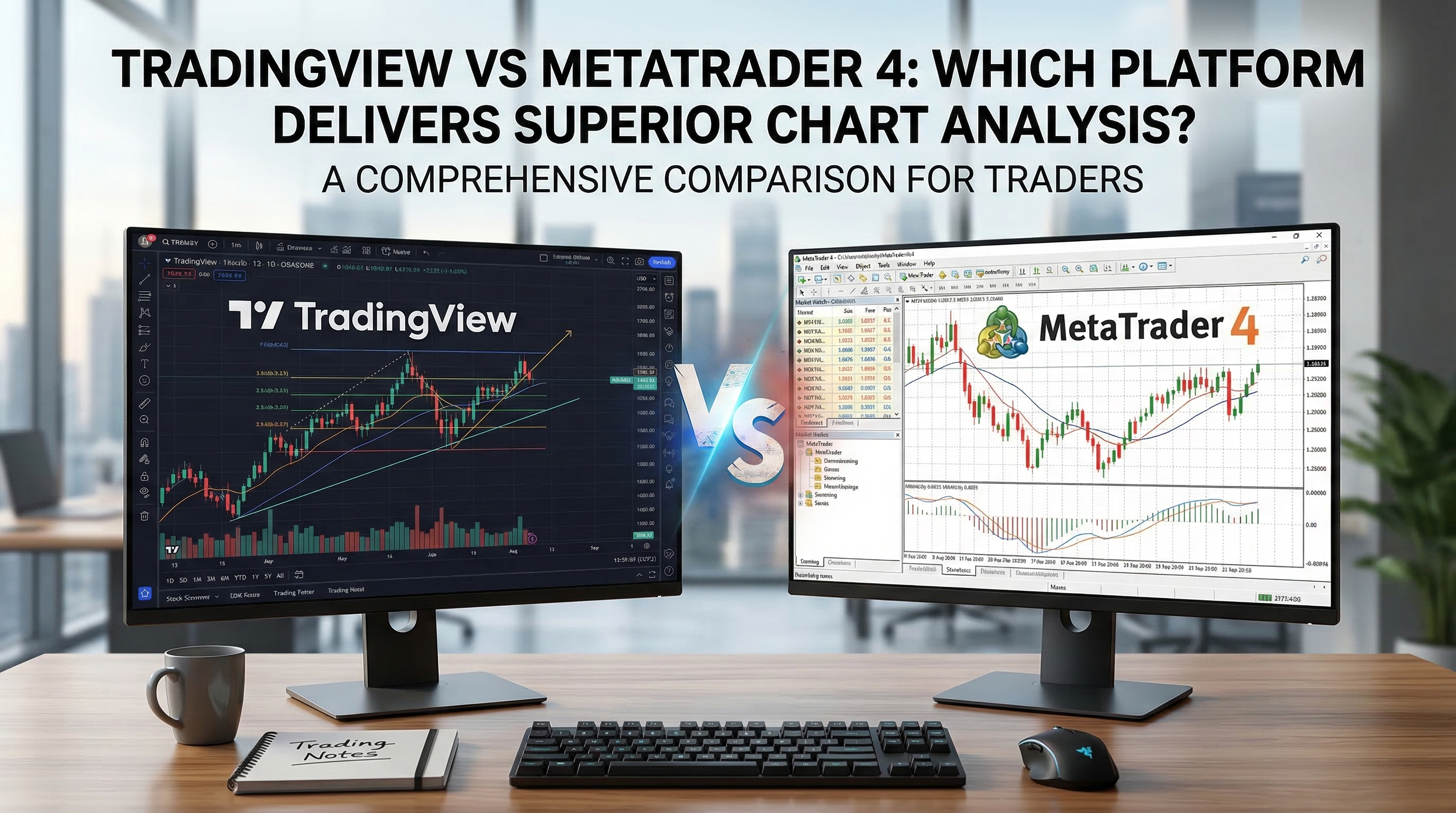
# TradingView vs MetaTrader 4: Which Platform Delivers Superior Chart Analysis?
Choosing the right trading platform can make or break your chart analysis success. Two platforms dominate the trading landscape: TradingView and MetaTrader 4 (MT4). Both offer powerful charting capabilities, but they serve different purposes and trading styles. Understanding the tradingview vs mt4 comparison is crucial for any trader serious about technical analysis.
This comprehensive guide examines both platforms across critical factors: charting capabilities, technical indicators, user interface, customization options, and overall value proposition. By the end, you'll know exactly which platform aligns with your trading goals and analysis requirements.
Table of Contents
- [Platform Overview and Core Purpose](#platform-overview-and-core-purpose)
- [Charting Capabilities Comparison](#charting-capabilities-comparison)
- [Technical Indicators and Analysis Tools](#technical-indicators-and-analysis-tools)
- [User Interface and Ease of Use](#user-interface-and-ease-of-use)
- [Customization and Advanced Features](#customization-and-advanced-features)
- [Cost Analysis and Value Proposition](#cost-analysis-and-value-proposition)
- [Making the Right Choice for Your Trading](#making-the-right-choice-for-your-trading)
- [Conclusion](#conclusion)
Platform Overview and Core Purpose
TradingView: The Modern Web-Based Solution
TradingView revolutionized chart analysis by bringing professional-grade tools to a web-based platform. Launched as a social trading platform, it has evolved into a comprehensive charting solution that works across devices without downloads or installations.
Key Characteristics:
- Web-based platform accessible from any browser
- Social trading community with idea sharing
- Multi-asset coverage including stocks, forex, crypto, and commodities
- Focus on visualization and user experience
MetaTrader 4: The Established Trading Standard
MetaTrader 4 represents the traditional approach to trading platforms. Developed specifically for forex trading, MT4 has become the industry standard for professional traders and brokers worldwide.
Key Characteristics:
- Desktop-first design with mobile apps
- Direct broker integration for live trading
- Extensive automation capabilities through Expert Advisors
- Proven stability and reliability
:::key-concept Platform Philosophy Difference: TradingView emphasizes visualization and community, while MT4 focuses on execution and automation. This fundamental difference shapes every aspect of their chart analysis capabilities. :::
Charting Capabilities Comparison
Chart Types and Visualization
TradingView Advantages:
- Superior chart rendering with smooth zooming and panning
- Advanced chart types including Renko, Kagi, and Point & Figure
- Multiple timeframes displayed simultaneously
- High-resolution charts that maintain clarity at all zoom levels
- Real-time data feeds from multiple exchanges
MT4 Strengths:
- Fast chart loading and minimal resource usage
- Reliable tick-by-tick data for precise analysis
- Efficient handling of multiple charts simultaneously
- Stable performance during high-volatility periods
:::example Real-World Scenario: A swing trader analyzing EUR/USD on multiple timeframes will find TradingView's multi-chart layout more intuitive, while a scalper focusing on precise entry points might prefer MT4's lightning-fast chart updates and minimal lag. :::
Drawing Tools and Annotations
The tradingview vs mt4 comparison reveals significant differences in drawing capabilities:
TradingView Excels With:
- Extensive library of drawing tools (50+ options)
- Advanced annotation features including text boxes and arrows
- Sophisticated trend line tools with automatic extensions
- Pattern recognition helpers
- Copy/paste functionality across charts
MT4 Provides:
- Essential drawing tools covering basic needs
- Reliable trend lines and geometric shapes
- Fibonacci retracement tools
- Channel and parallel line drawing
:::tip Pro Tip: TradingView's drawing tools are superior for complex analysis involving multiple patterns and annotations. However, MT4's simpler toolset often proves more efficient for traders who prefer clean, uncluttered charts. :::
Data Quality and Market Coverage
TradingView Data Advantages:
- Comprehensive market coverage across all asset classes
- Real-time data from major global exchanges
- Economic calendar integration
- Earnings data and fundamental analysis tools
- Crypto market coverage with detailed volume analysis
MT4 Data Strengths:
- Extremely accurate forex data through broker feeds
- Consistent data quality from established providers
- Historical data going back decades
- Reliable tick data for backtesting
Technical Indicators and Analysis Tools
Indicator Selection and Customization
Both platforms offer robust indicator libraries, but with different approaches:
TradingView Indicator Ecosystem:
- 100+ built-in indicators
- Thousands of community-created indicators
- Pine Script programming language for custom indicators
- Strategy backtesting capabilities
- Indicator alerts and notifications
MT4 Technical Analysis:
- 30 built-in indicators covering all major categories
- MQL4 programming for custom indicators
- Expert Advisor integration
- Proven and tested indicator implementations
- Low-latency indicator calculations
:::key-concept Indicator Philosophy: TradingView encourages experimentation with its vast indicator library, while MT4 focuses on proven, reliable indicators that have stood the test of time in live trading environments. :::
Advanced Analysis Features
TradingView's Modern Approach:
- Volume Profile analysis with detailed volume-at-price data
- Market replay functionality for historical analysis
- Multi-symbol analysis and comparison tools
- Screener integration for finding trading opportunities
- Real-time alerts across all devices
MT4's Trading-Focused Tools:
- Strategy Tester for comprehensive backtesting
- Market Watch for real-time price monitoring
- Navigator for easy access to indicators and scripts
- Terminal integration for order management
- News feed integration
:::example Practical Application: A trader using Volume Spread Analysis (VSA) will find TradingView's volume profile tools more comprehensive, while a trader focused on automated strategies will prefer MT4's integrated backtesting and Expert Advisor capabilities. :::
User Interface and Ease of Use
Learning Curve and Accessibility
The tradingview vs mt4 debate often centers on usability:
TradingView User Experience:
- Intuitive, modern interface design
- Minimal learning curve for new users
- Responsive design across all devices
- Cloud-based chart saving and synchronization
- Social features for learning from other traders
MT4 Interface Characteristics:
- Professional, function-focused design
- Steeper learning curve but powerful once mastered
- Consistent interface across desktop and mobile
- Highly customizable workspace layouts
- Efficient keyboard shortcuts for experienced users
Mobile and Cross-Platform Performance
TradingView Mobile Advantages:
- Full-featured mobile apps with complete functionality
- Seamless synchronization across all devices
- Touch-optimized chart interaction
- Mobile-specific alert and notification systems
MT4 Mobile Capabilities:
- Dedicated mobile apps for iOS and Android
- Core functionality available on mobile devices
- Direct broker integration for mobile trading
- Efficient performance on lower-end devices
:::warning Important Consideration: While TradingView offers superior mobile chart analysis, MT4's mobile apps are specifically designed for active trading with direct broker connectivity. Choose based on whether you prioritize analysis or execution on mobile devices. :::
Customization and Advanced Features
Workspace Customization
TradingView Customization Options:
- Flexible chart layouts with drag-and-drop functionality
- Customizable color schemes and chart themes
- Saved chart templates for consistent analysis
- Multiple watchlist organization
- Personal indicator collections
MT4 Workspace Features:
- Multiple chart window arrangements
- Custom indicator and EA organization
- Profile-based settings for different trading strategies
- Template system for quick chart setup
- Color scheme customization
Automation and Programming
The tradingview vs mt4 comparison shows distinct approaches to automation:
TradingView Pine Script:
- Modern, readable programming syntax
- Focus on indicator creation and strategy development
- Built-in backtesting and forward testing
- Community script sharing
- Version control and collaborative development
MT4 MQL4 Programming:
- Mature programming language with extensive documentation
- Expert Advisor creation for full trading automation
- Custom indicator development
- Direct integration with broker APIs
- Proven reliability in live trading environments
:::tip Developer Insight: Pine Script is more accessible for beginners and offers better visualization tools, while MQL4 provides more direct control over trading operations and has a longer track record of stability. :::
Cost Analysis and Value Proposition
TradingView Pricing Structure
Free Tier:
- Basic charting with limited indicators
- Community access with restricted features
- Single chart layout
- Basic alerts (limited quantity)
Paid Plans:
- Pro ($14.95/month): Multiple charts, more indicators, priority support
- Pro+ ($29.95/month): Advanced features, more alerts, extended hours data
- Premium ($59.95/month): Maximum indicators, priority data, advanced order types
MT4 Cost Considerations
Platform Cost:
- Free download and basic usage
- No subscription fees for core functionality
- Broker-dependent data feed costs
- Third-party indicator and EA purchases
Hidden Costs:
- VPS hosting for Expert Advisors
- Premium data feeds for certain markets
- Custom development costs
- Additional software for advanced analysis
:::key-concept Value Assessment: TradingView offers predictable subscription costs with comprehensive features, while MT4 provides free core functionality but may require additional investments for advanced capabilities. :::
Making the Right Choice for Your Trading
Choose TradingView If You:
- Prioritize Modern User Experience: Prefer intuitive interfaces and modern design
- Trade Multiple Asset Classes: Need comprehensive market coverage beyond forex
- Value Community Learning: Want to learn from other traders and share ideas
- Focus on Chart Analysis: Spend more time analyzing than executing trades
- Use Multiple Devices: Need seamless synchronization across desktop and mobile
- Prefer Subscription Models: Want predictable costs with regular feature updates
Choose MT4 If You:
- Focus on Forex Trading: Primarily trade currency pairs with high precision
- Need Automation: Rely heavily on Expert Advisors and automated strategies
- Prefer Proven Technology: Want time-tested reliability for live trading
- Value Direct Broker Integration: Need seamless connection to your broker's services
- Minimize Costs: Want free core functionality without subscription fees
- Use Complex Strategies: Require advanced programming capabilities for custom solutions
:::example Decision Framework: A day trader focusing on EUR/USD with automated strategies would likely prefer MT4's precision and automation. Conversely, a swing trader analyzing stocks, crypto, and forex across multiple timeframes would benefit more from TradingView's comprehensive analysis tools. :::
Hybrid Approaches
Many successful traders don't limit themselves to one platform:
Analysis + Execution Strategy:
- Use TradingView for comprehensive market analysis
- Execute trades through MT4 for precision and automation
- Leverage TradingView's superior screening tools
- Rely on MT4's proven order execution
Market-Specific Usage:
- TradingView for crypto and stock analysis
- MT4 for forex trading and automation
- Switch based on market conditions and trading style
Conclusion
The tradingview vs mt4 comparison ultimately depends on your specific trading needs, style, and preferences. TradingView excels in visualization, user experience, and comprehensive market analysis, making it ideal for traders who prioritize modern tools and multi-asset analysis. MT4 remains the gold standard for forex trading, automation, and precise execution, serving traders who need proven reliability and advanced programming capabilities.
For most modern traders, TradingView offers superior chart analysis capabilities with its intuitive interface, extensive indicator library, and excellent visualization tools. However, forex specialists and automation enthusiasts may find MT4's focused approach and proven track record more suitable for their needs.
Consider your primary trading activities: if you spend more time analyzing markets than executing trades, TradingView's superior charting tools will serve you well. If you focus on execution, automation, and forex trading, MT4's specialized features provide better value.
Remember that both platforms offer free versions, allowing you to test their capabilities before committing. Start by identifying your specific chart analysis requirements, then evaluate each platform against those needs.
Ready to enhance your chart analysis skills? Download both platforms, practice with their demo versions, and discover which interface and toolset align with your trading style. The right platform choice can significantly improve your analysis efficiency and trading results.